
At instruction
Send it when you open the file.
Alongside your ID and AML checks, send the seller a link from the portal, to the phone number you already hold for them.
The person instructing the sale walks inside the property, live, on their own phone, with their driving licence. Before exchange, and before any money moves.
No card to apply. No contract. Pay as you go.
Your ID checks show a face matched a document. DoorID adds the property: live proof that the person instructing you walked inside the address on the contract.
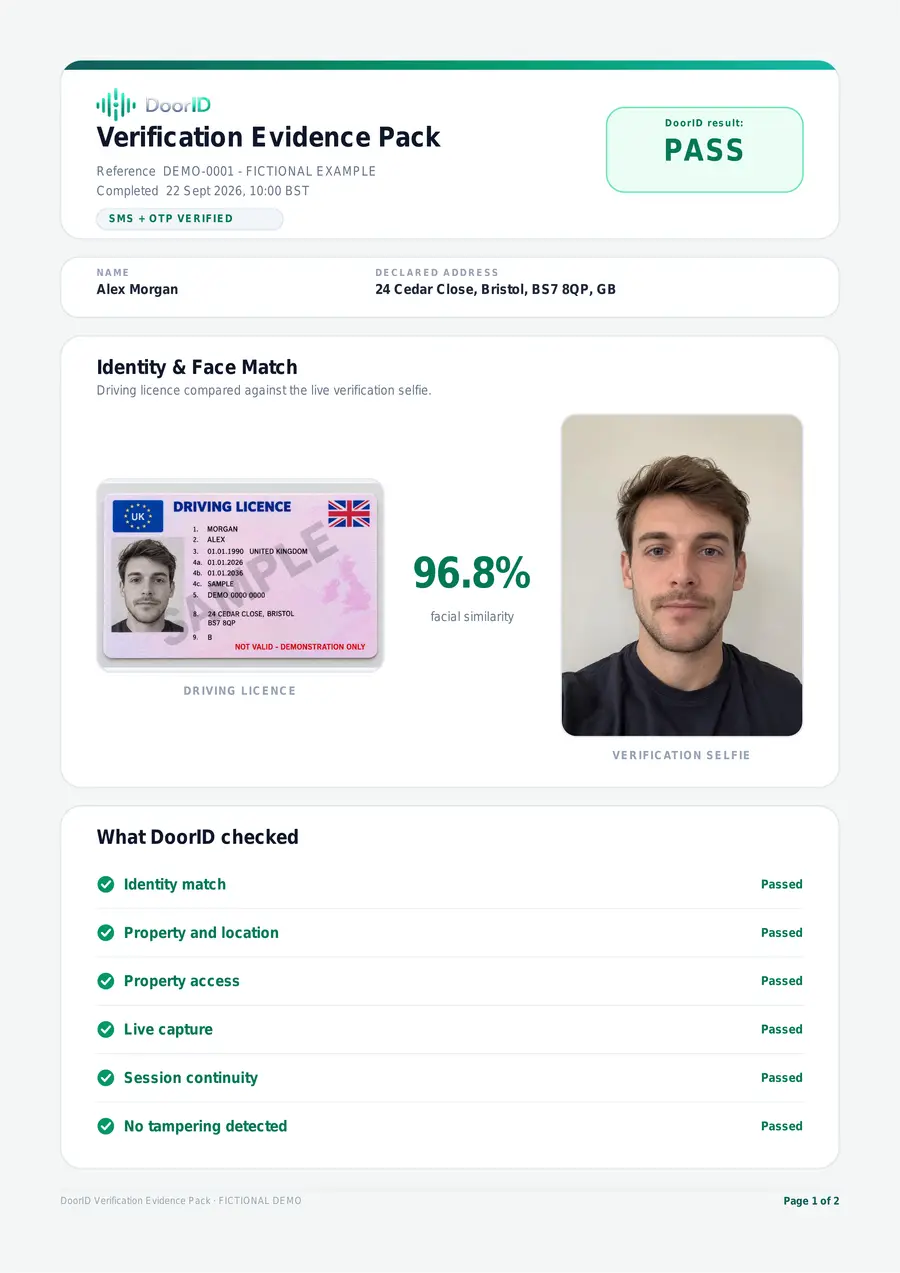
The licence next to the selfie, with the comparison score.
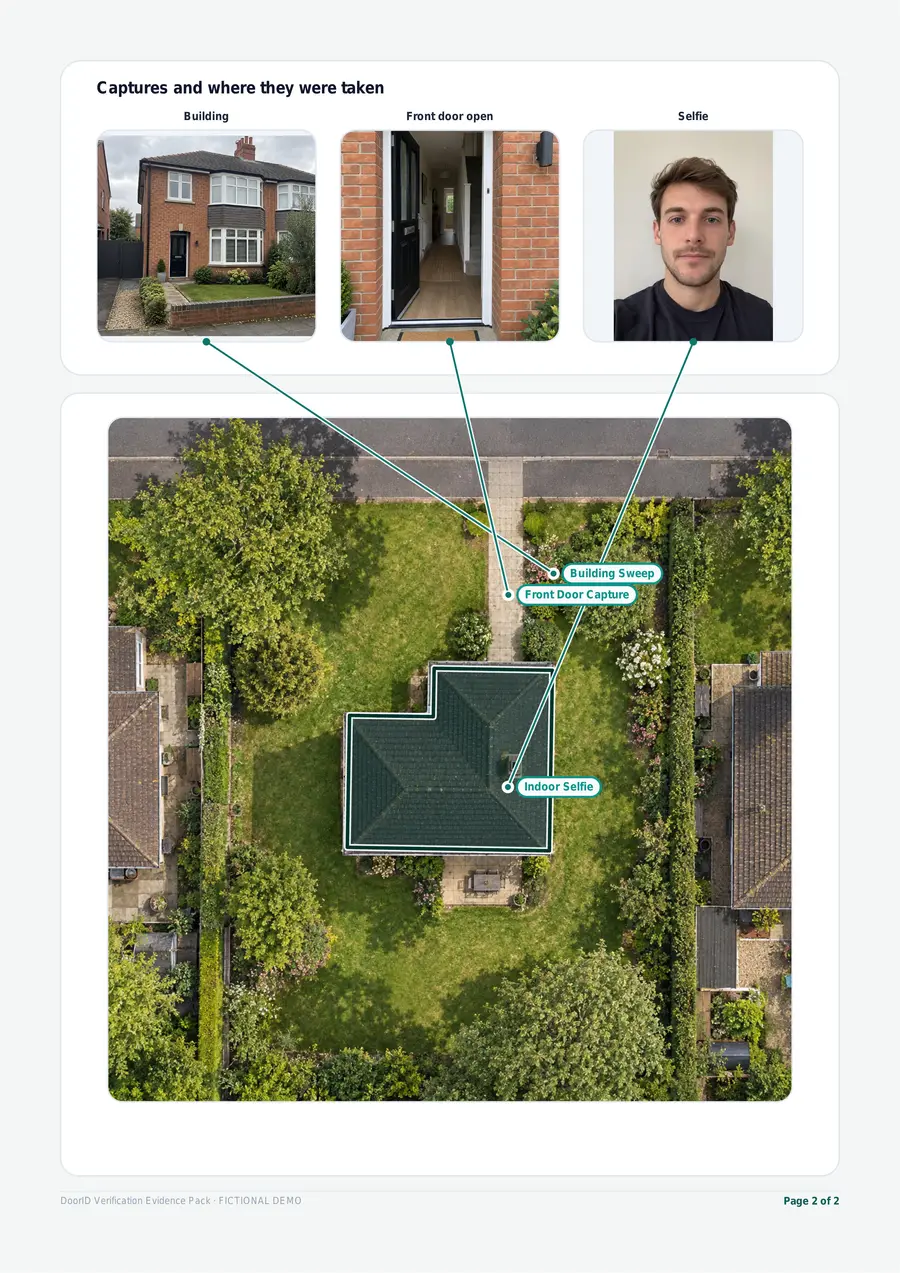
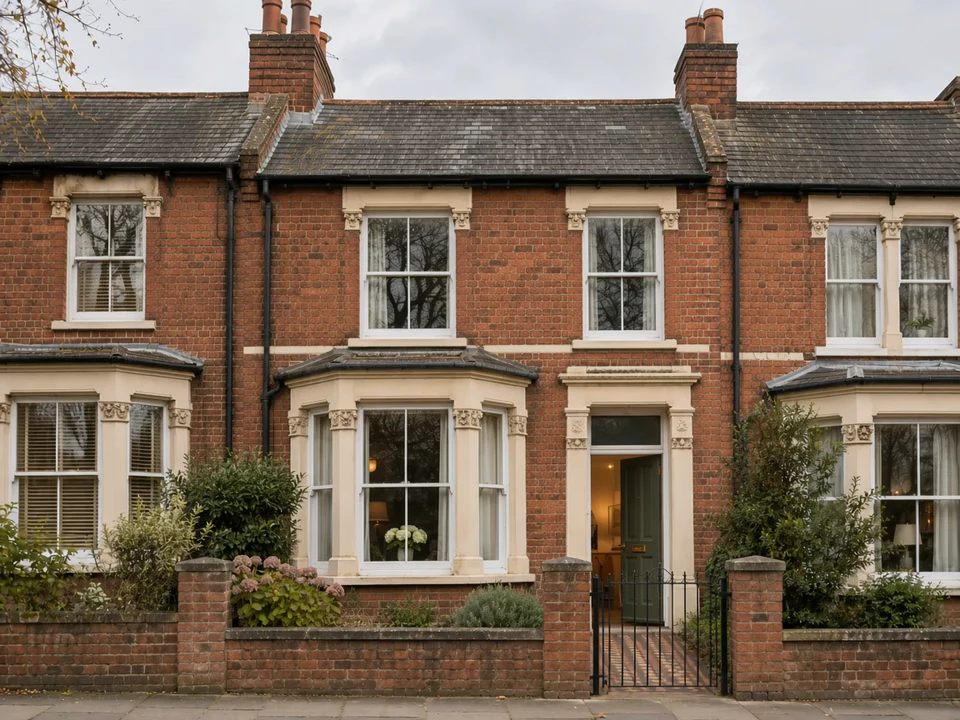
Live proof they walked inside the address.
The result is tested against the address on the application.
A secure link to the applicant's phone, which expires.
One check at the start, and another whenever something late does not feel right.
Alongside your ID and AML checks, send the seller a link from the portal, to the phone number you already hold for them.
The result and the reasons arrive while there is still time to ask questions, not after contracts are exchanged.
A new bank account, a new phone number or a sudden rush to complete: send another check before the sale proceeds go out.
The report shows why. You decide what to ask the seller next, and whether to proceed.
A face check confirms a face matched a document. It doesn’t confirm who’s holding it, or where they are. Was the seller inside the property on the contract? That’s what DoorID shows. Presence is proof.
We review every application, usually within 24 hours.
When you take on a buyer, the same check runs at their current address. The result goes on the file next to your ID and AML checks.
A bill, statement or screenshot can be faked. Walking inside the address is far harder.
Your client follows a short guided check on their phone, at their current address. No app and no account.
Pass, Refer or Fail with the reasons, not a data dump.
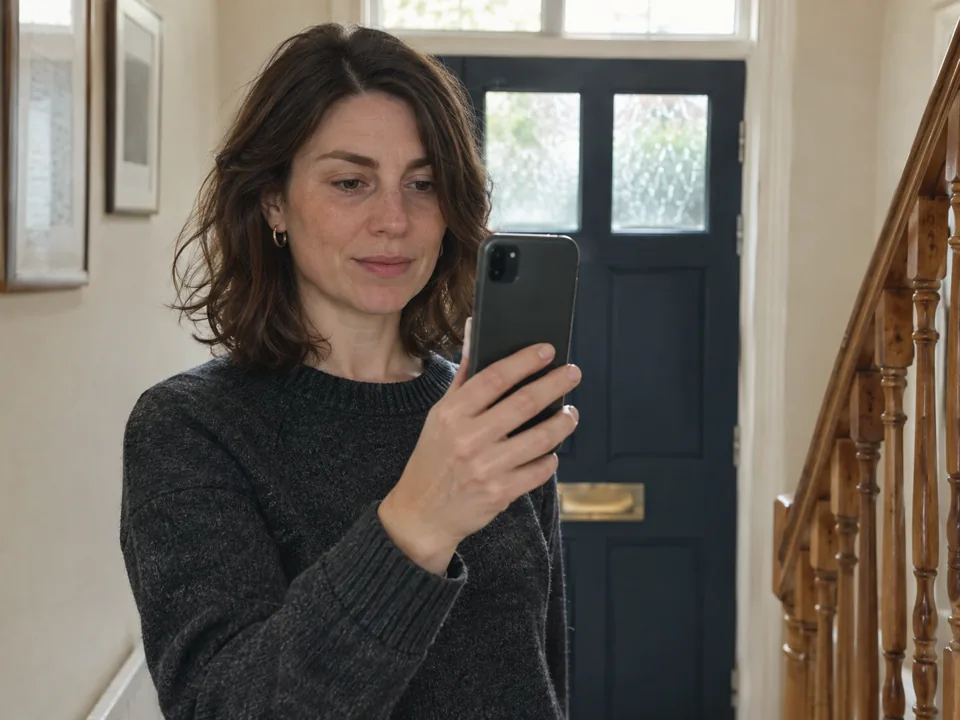
Ten seconds of your time. About 70 seconds of theirs.
From the portal, on any device. About ten seconds.
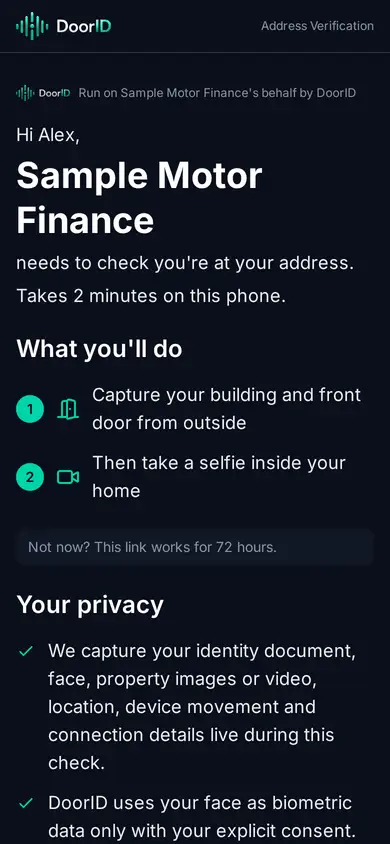
No app and no account.
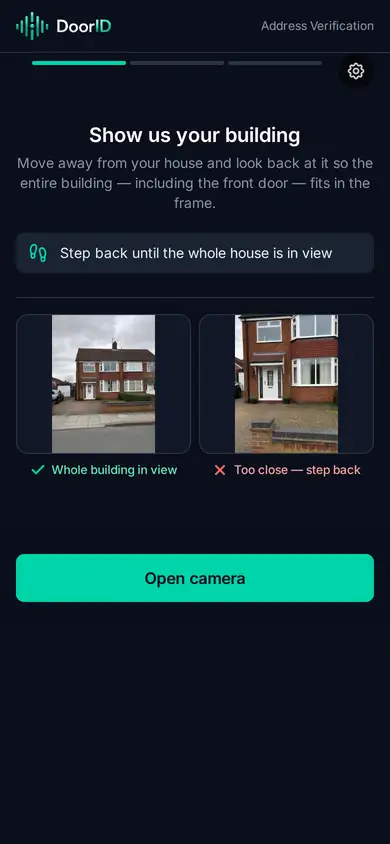
Refer means a person should look. You decide — DoorID gives you the evidence to decide on.
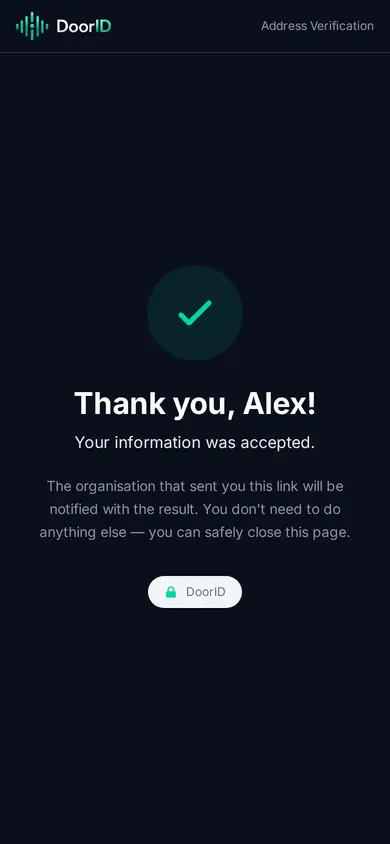
A DoorID result is a PDF. Page one is the result and the reasons, the licence beside the selfie, and what was captured at the address.
Your report stays available in DoorID for 7 days after the check finishes. Download and keep it — your copy is the record. See a Pass and a Refer.
How DoorID sits next to what you already do before exchange.
The result and the reasons, the licence beside the selfie, and what was captured at the address.
Refer means a person should look. The report shows why, and the decision stays with whoever is deciding.
DoorID sits alongside your AML and ID checks. It doesn’t replace them.
Things you might reasonably assume. You should hear the answers here rather than find out later.
No. Ownership is a matter for HM Land Registry and your title checks. DoorID shows a person got inside the property on one occasion. It does not say they own it or have the right to sell it.
No. It shows a person completed a guided check at the declared address at a time you chose. It does not say who they are or that they live there.
No. Keep them. DoorID sits alongside them and answers a question they were never asked: can this person get inside this property?
Expect a Refer. An empty home, or one with tenants living in it, usually gives a Refer rather than a Pass. A person on your team should look at the report and decide what to ask next.
No. It is a result about physical access to one address on one occasion. Whether to proceed is yours to decide, and so is everything else in your process.
Every answer is here.
A phone with a camera, location switched on, and its own browser. If they open the link inside a social app, some in-app browsers cannot ask for location — the screen tells them to reopen it in Safari or Chrome.
No. A text with a link, and a browser.
The check is done in person, at the property, by the person you sent it to. If they cannot get there, that is worth knowing before exchange.
Yes. Flats have their own capture steps. The evidence is for the building at the address, not which flat or floor. Unclear cases go to Refer, not Pass.
No. Everything is captured live in the browser at the time of the check, and checked against where the phone actually is.
A person should look. The report shows why.
Your report stays available in DoorID for 7 days after the check finishes. Download and keep it — your copy is the record. Removal of identifying data runs from your account's Retention Start Date, which is shown in your portal and which we tell you when we set. Before that date it is held securely and removed whenever you tell us to.
No card to apply. No contract. Pay as you go.
We review every application, usually within 24 hours.
DoorID Ltd · Company 17176280 · ICO ZC153427 · Bournemouth, UK · Patent pending